
For several years people believed that only professionals had skills to install Linux and could play in games that took a lot of time to start. But things have changed a lot. Linux has become more than an option now as Valve invested a lot in the Steam Deck and the Proton compatibility layer so that it is now perceived by many people as superior to Windows.
The numbers show this growth. As of the end of the last year, 3.58% of the total Steam users played on Linux, a similar percentage to macOS. Or even be left wondering if a game is going to work. More than 80 of the top 100 most popular games on Steam native to Linux can be accessed and, more frequently, boast equal or better performance to their Windows counterpart.
If you need to use an outdated laptop, create your own gaming PC that resembles a console, or just do not want any additional software that comes with Windows, there is a Linux distribution that is specially created to suit you. Here are the best Linux distros for gaming, the tools that you will require, and some tips on how to optimize them to have the most accomplished experience.
What is Linux Distros for Gaming
Linux distros (short for Linux distributions) are operating systems built around the Linux kernel, bundled with system tools, desktop environments, and software. Popular distros like Ubuntu, Pop!_OS, Fedora, and Arch Linux are designed for different use cases such as beginners, developers, or performance-focused users. Unlike proprietary operating systems, Linux distros are mostly open-source, lightweight, secure, and highly customizable.
For gaming, Linux distros have become increasingly popular due to major advancements in compatibility and performance. Technologies like Steam Proton, Wine, and Vulkan graphics API allow many Windows games to run smoothly on Linux with minimal performance loss. Linux also consumes fewer system resources, leaving more CPU and RAM available for games, which can improve frame rates and reduce stuttering. Gamers prefer Linux distros for better system stability, strong security, no forced updates, and full control over drivers and hardware. As a result, Linux gaming in 2026 is more powerful, flexible, and reliable than ever.
Comparison Table: At a Glance
| Distro | Base | Desktop Environment | Best For | Difficulty |
| Nobara | Fedora | KDE / GNOME | Best Overall Gaming Performance | Intermediate |
| Bazzite | Fedora Atomic | KDE / GNOME | Steam Decklike Handhelds | Easy |
| Pop!_OS | Ubuntu | COSMIC / GNOME | NVIDIA Users / Productivity | Easy |
| Garuda | Arch | KDE (Dragonized) | Visuals & Max Performance | Intermediate |
| Linux Mint | Ubuntu | Cinnamon | Windows Switchers | Easy |
| ChimeraOS | Arch | Steam Big Picture | Couch / Console Gaming | Easy |
| Manjaro | Arch | Various (KDE/XFCE) | Cutting Edge Hardware | Intermediate |
| Drauger OS | Ubuntu | Xfce | Low Latency Competitive | Advanced |
| Regata OS | OpenSUSE | KDE | NonSteam Launchers (Epic/EA) | Easy |
| Ubuntu | Debian | GNOME | Stability & Support | Easy |
List of Top 10 Linux Distros for Gaming
1. Nobara Project
Website: https://nobaraproject.org/
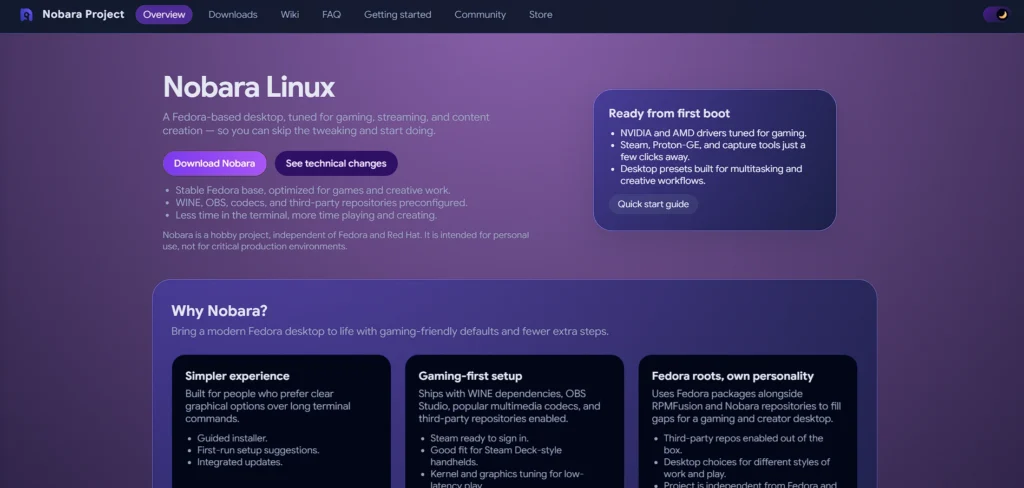
Nobara is deemed to be the finest desktop Linux gaming system currently. It was created by the Red Hat engineer behind custom forms of Proton GE, by the name of GloriousEggroll. Nobara is simply Fedora, which has been modified. It is based on such a simple idea: fix irritating issues and not to. It already has numerous post processing gaming patches that would typically require terminal processes in other distros such as patches to the kernel to enhance controller support and patches to OBS Studio.
Key Features:
- It already has proprietary codecs and NVIDIA drivers.
- The kernel is customized and includes patches to Surface devices and ASUS laptops and more optimal scheduling.
- OBS Studio and Discord are compatible instantly.
Pros:
- It is compatible out of the box with gaming hardware.
- It is up to date and stable as it is Fedora based.
- You do not even have to do much after installation configuration.
Cons:
- The staff is less than with bigger distros.
- The volley of Fedora might be a bit later to be more cautious.
2. Bazzite
Website: https://bazzite.gg/
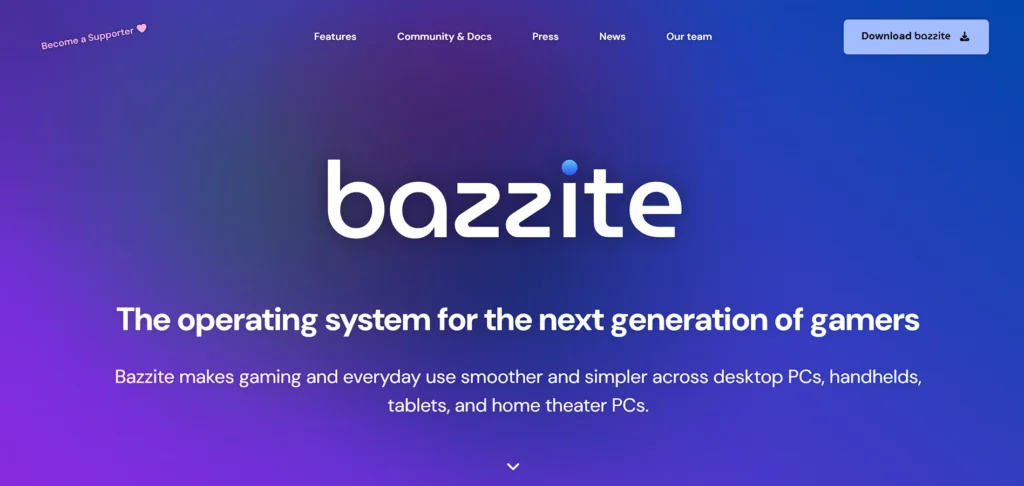
Bazzite is one of the Best Linux distros for gaming and is the right choice should you love the look and wish the same feel on a desktop or handheld PC like the ROG Ally or the Legion Go. It is an image-based distro based on Fedora Atomic, which is immutable. This implies that the base system is immutable and almost indestructible, so any user with a simple desire to play games is safe.”
Key Features:
- It starts directly into Steam Big picture Mode (Game Mode).
- Steam Decky Loader is already installed.
- It is compatible with large handhelds (TDP control, gyroscope).
Pros:
- The next best thing is the console like experience.
- A normal usage cannot break the system.
- It automatically updates itself in the background like a console.
Cons:
- The default file system is immutable and thus it is not easy to install an application that is not Flatpak.
- It cannot be customized to regular desktop usage as much as Pop!.
3. Pop!_OS
Website: https://system76.com/pop/
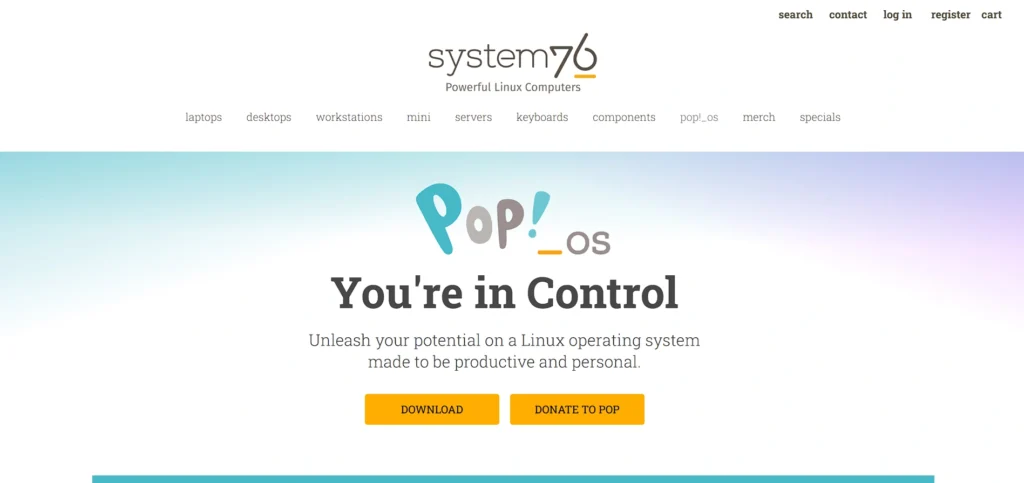
Pop!OS was developed by System76 which is a hardware manufacturer. It has been suggested as the initial transitioning move to Windows a lot of the time. It is also powered on Ubuntu but has undergone an elegant GNOME desktop (in the near future Cosmica) with workflow orientation. It is unique in that it provides a separate ISO file especially to NVIDIA users hence your graphics drivers are instantly ready the moment you boot it up, which was a nightmare in the past.
Key Features:
- This is a unique ISO with already installed NVIDIA drivers.
- Efficiency in auto tiling windows.
Scheduler optimization of the CPU in the focus (your game).
Pros:
- Extremely stable and business like appearance.
- Excellent power management of gaming laptops.
- Large community support.
Cons:
- GNOME look might seem different to long time windows users.
- Release is not as fast as rolling distros such as Arch.
4. Garuda Linux (Dragonized Gaming Edition)
Website: https://garudalinux.org/
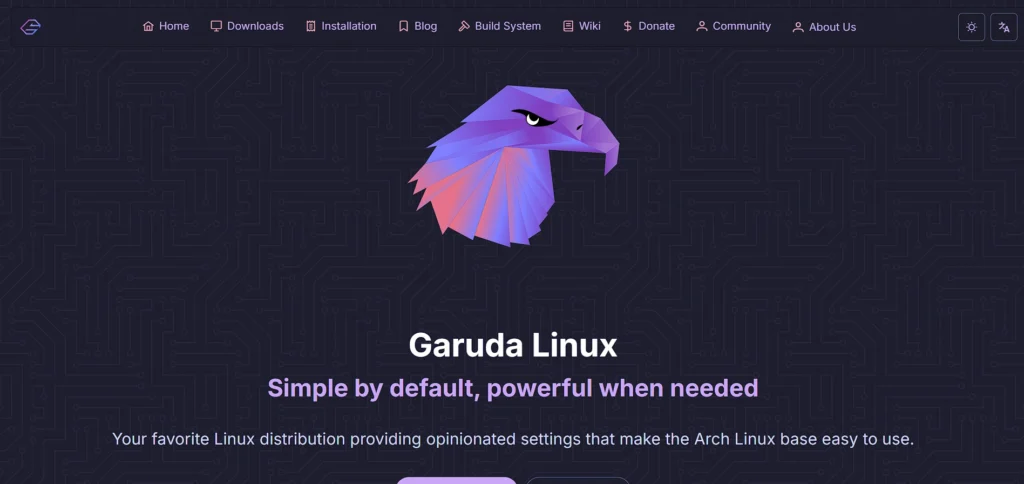
Garuda Linux is made by those who desire their computer desktop to resemble a neon cyberpunk interface. It is based on Arch Linux and uses the Zen Kernel, a Linux kernel optimized for desktop speed and gaming. Among the top linux distros for gaming, the Dragonized edition provides an extremely customised version of KDE Plasma desktop and the Garuda Gamer tools that allow you to install launchers (Steam, Lutris, Heroic) with just a single click.
Key Features:
- It is configured with the default of using Zen Kernel, which is performancetuned.
- Snapshots allow one to rollback system breakage in a BTRFS file system.
- The Garuda Gamer GUI will automatically install game tools in a single click.
Pros:
- Breathtaking graphics by default.
- The Arch User Repository has gained you numerous software options.
- Snapshots offer the backup of updates.
Cons:
- Large system requirements (requires good RAM).
- The neon appearance is disarming and distracting.
5. Linux Mint (Cinnamon Edition)
Website: https://linuxmint.com/
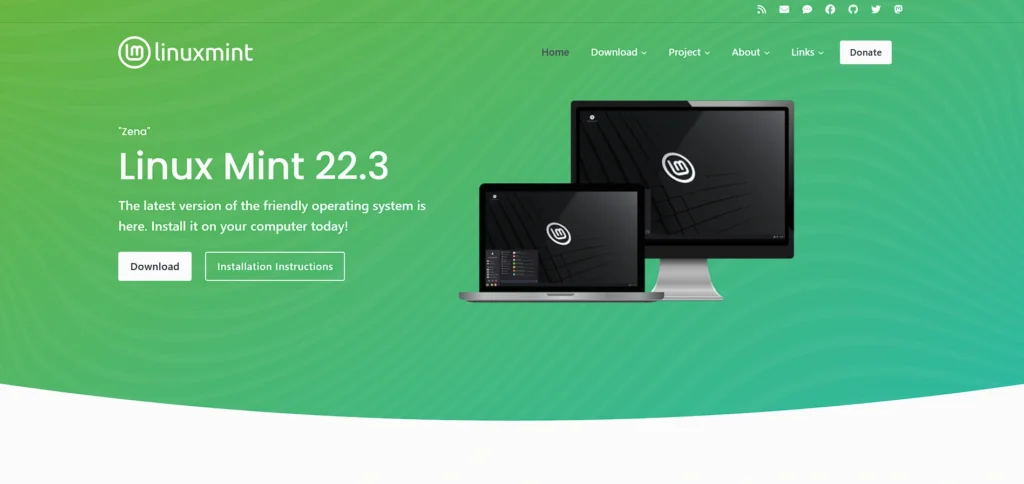
Linux Mint is user friendly to those who despise the command line. Its Cinnamon desktop is virtually identical to Windows 7/10: the start menu, taskbar, and system tray are in their proper place. It is neither gaming centric but its strong stability house on the Ubuntu LTS makes it reliable. It requires some additional gaming setup than Nobara, but it will not come as a surprise that there is a broken update.
Key Features:
- Customary, oldtime desktop interface.
- An easy way to install proprietary drivers is with the help of the driver manager.
- Very minimal system resources.
Pros:
- There is no learning curve with window users.
- Very stable and free of bugs.
- Vast community and excellent documentation.
Cons:
- Does not have gaming tweaks in place.
- Sometimes due to the compositor, screen tearing may also occur (however, it can be solved).
Suggest Read:-
6. ChimeraOS
Website: https://chimeraos.org/
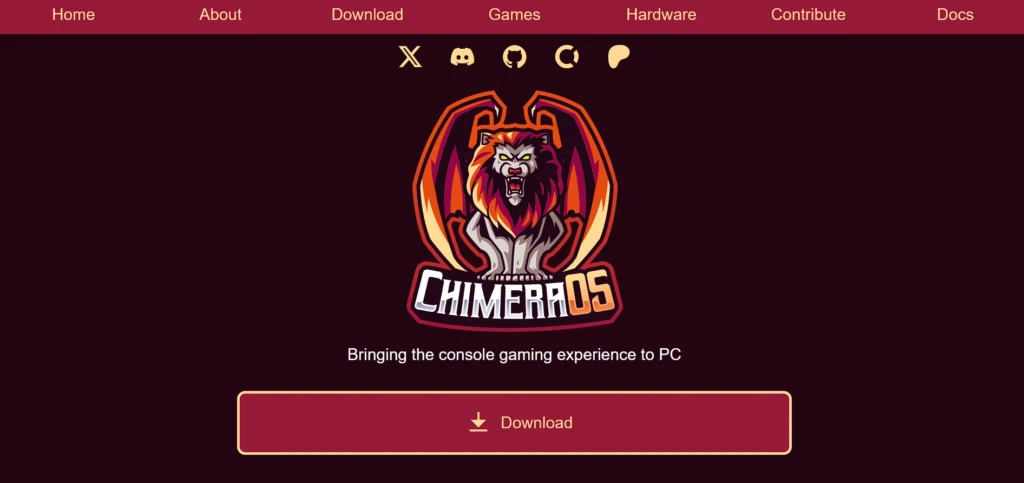
ChimeraOS is a continuation of SteamOS but made by the community. Similar to Bazzite, it transforms a PC to a gameplaying PC and is one of the top linux distros for gaming. It will boot straight to Steam Big Picture and there is an optional Chimera Web App that allows you to add games to other stores (Epic, GOG, Flathub), etc. with a phone or browser, so you hardly have to use a mouse and keyboard.
Key Features:
- At boot up, the Game Mode interface is activated.
- Remote game management Web app.
- Native Epic and GOG stores support.
Pros:
- The most excellent couch gaming ever.
- Most tasks do not require any mouse/keyboard.
- Light, dedicated to gaming.
Cons:
- Not to be used like any ordinary desktop computer.
- Prerequisites special drive (it overwrites the disk upon installation).
7. Manjaro
Website: https://manjaro.org/
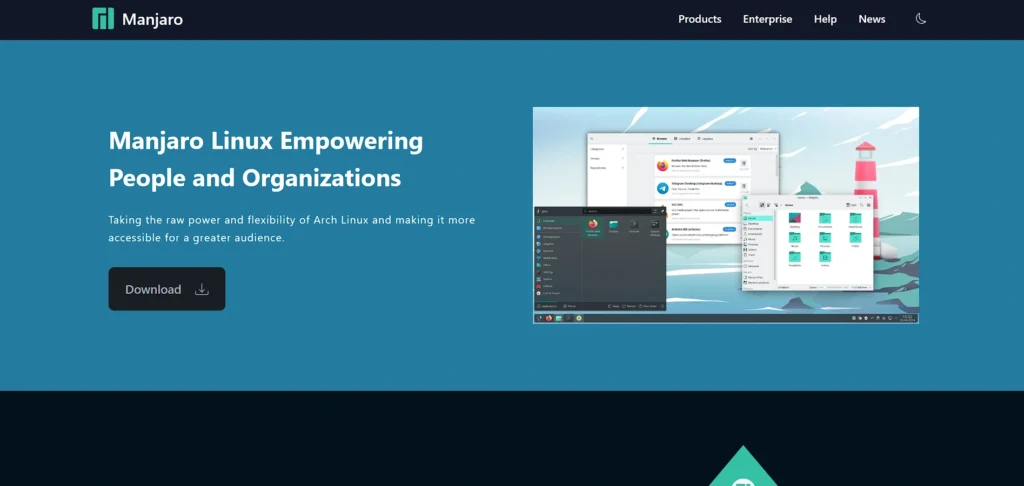
Arch Linux is also famous for receiving the latest software early, but it may be difficult to configure in use. Manjaro is based on the newest drivers of Arch and rolling, yet it provides you with a simple installer. The new graphics drivers and kernel upgrades always reach you weeks or months in advance of the Ubuntu users. The speedy update cycle is relevant when the hardware of gamers is new, such as the latest GPUs.
Key Features:
- Rolling Release Model (Install once update forever.
- Pamac package manager (easy access to Steam, Snap, Flatpak and AUR).
- Detection utility Hardware Hardware detection utility to install drivers easily.
Pros:
- The availability of the latest gaming programs.
- Big software warehousing through the AUR.
- Very customizable.
Cons:
- Sometimes updates can break configurations (however, it is not very frequent).
- Stability Withholding packages can result in dependency.
8. Drauger OS
Website: https://draugeros.org/
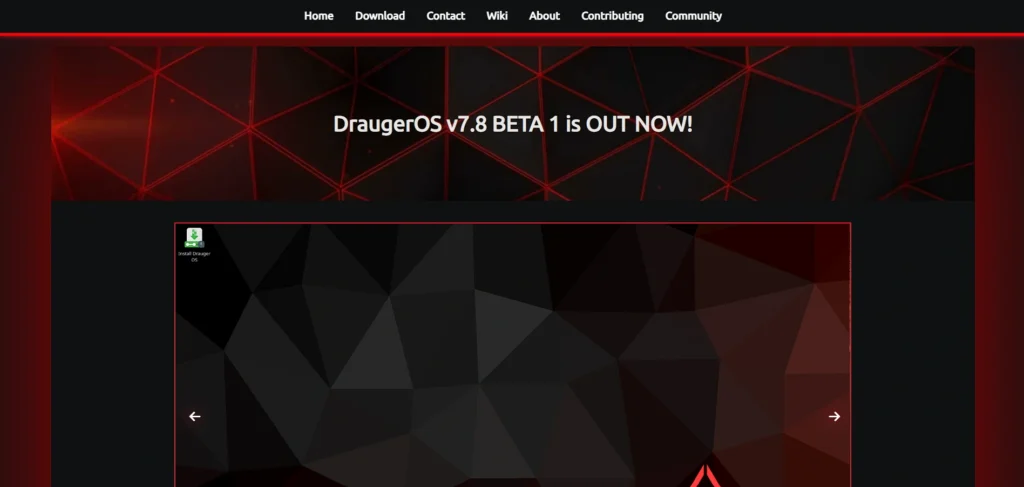
According to Drauger OS, it is not made to be used on a day-to-day basis, but rather to play games. Among the best linux distros for gaming, it eliminates the additional software found in typical Ubuntu distributions and uses a low-latency XanMod kernel instead of the default one. This lessens input lag and ensures game processes come before other background processes. No office suites, no superfluous background services—it’s a lean, fast, frame rate–oriented machine.
Key Features:
- XanMod ranks as one of them with a preinstalled lowlatency kernel.
- Natural controls Xbox and PS (wireless, too).
- DXVK and Wine pre‑configured.
Pros:
- Also most competitive titles have noticeably low input latency.
- Extremely lightweight.
- Internally optimized to be performance based.
Cons:
- No general (email, work) computing.
- Less developed nonmetropolitan area in which to seek support.
9. Regata OS
Website: https://get.regataos.com.br/
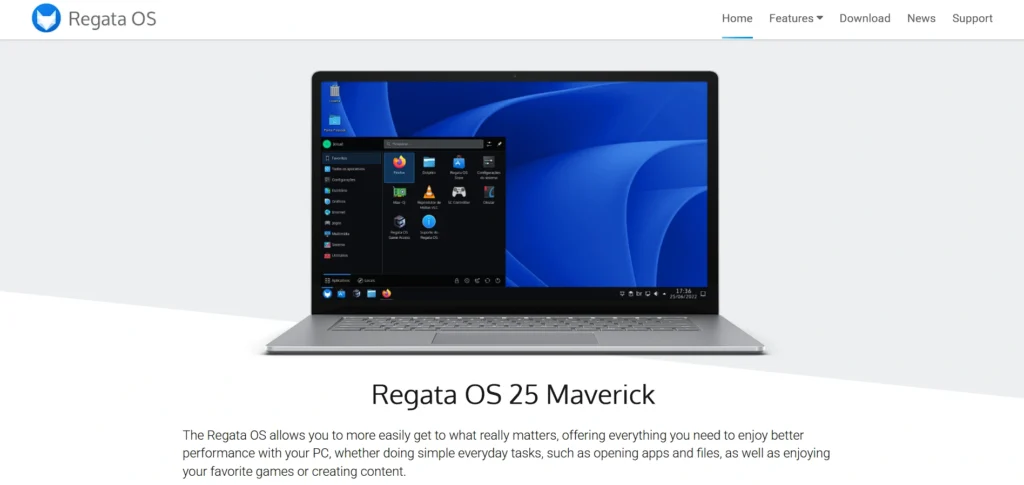
Regata OS is OpenSUSE based and tries to simplify access to gaming. It has a primary characteristic in the form of the Regata OS Game Access store. One click and you have installed Steam, Heroic Launcher (Epic/GOG), EA App, Battle.net, and Ubisoft connect. It also configures the compatibility layers of these nonSteam launchers, and this is the most complex task for new Linux gamers.
Key Features:
- Regata OS Game Access (managed launcher store).
- Game Mode allows automatic optimization of the resources inside the system.
- Layers OpenSUSE based.
Pros:
- The most useful support of nonsteam game stores.
- Minimalistic and sleek interface.
- Enormous support of AMD graphics.
Cons:
- Not so popular, therefore not so many troubleshooting satellites.
- Fairly decent English support, but Portuguese in origin.
10. Ubuntu
Website: https://ubuntu.com/
Ubuntu is the basis of Linux, whilst its specialized linux distros for gaming usually outperform it in terms of performance. Most game developers aim at it as a matter of fact; a game that boasts of being supported on Linux in Steam was in fact tested on Ubuntu. You have a massive amount of users, so when you have an issue, there is one who has probably solved it and posted the solution online. The normal version of Ubuntu is the safest option among the users who want to combine gaming, work and stability.
Key Features:
- Unrivalled compatibility of software.
- Pro (free to individuals) lifetime security.
- Easy app sandboxing by Snap store.
Pros:
- The Linux OS developers supported it the most.
- Massive community and discussion support.
- Stable and very professional.
Cons:
- Snap packages are default which is slow to some gamers.
- Old packages of the LTS (Long Time Support) versions.
Essential Tools Every Linux Gamer Needs
The distro selection is not the only step. With a bit of luck, you won’t use them a lot, but you do require some essential utilities to take the most of your library, particularly of games not found on Steam. They are programs that make Windows only games compatible with Linux.
1. Lutris
As the alltime launcher account Lutris. Steam executes its own games quite successfully, whereas Lutris is the best in all other cases. It then has community scripts in order to configure Wine in order to execute games just like the Blizzard (Battle.net), Ubisoft Connect and EA App games, as well as older, CDROM based games. Lutris is necessary lest you desire to play World of Warcraft or League of Legends on Linux.
2. Heroic Games Launcher
Heroic is extremely helpful in case you have numerous free games in the Epic Games Store or a huge library on GOG. It is a native and an open source Linux variant of the Epic Games Launcher. It is faster, has less memory requirements and is more reliable to run than the official Epic launcher in Wine. Heroic supports cloudsaving and allows you to choose alternative options of Proton in each game.
3. ProtonUp‑Qt
The inbuilt Proton that Steam has is good, but not always flawless. In some cases a new game requires a communitypatched Proton version in order to achieve Bronze compatibility. ProtonUp Qt is a basic graphical utility which allows you to download and install GE Proton (GloriousEggroll). These releases frequently resolve cutscene issues, audio, and other bugs which Valve has not been able to address to date.
4. MangoHud
Gamers like to see stats. Windows has MSI Afterburner which is used to monitor your FPS and temperatures. On Linux you use MangoHud. It is an Overlay of Vulkan / OpenGL, in which you can look at the frame rate, processor/video card usage and temperatures in realtime. It also can be customized to a large extent and can also be restricted to a lower frame rate in order to keep the gameplay smooth.
Optimizing Performance: Squeezing Out Every Frame
Linux tends to be resource friendly, although you can make it run faster by a few tweaks.
1. Enable Feral GameMode
GameMode is a little aide software developed by Feral Interactive. When you switch it on it tells your CPU to use the high performance mode rather than to conserve energy, provides more priority to the game to access disk, network, and disables the screensaver. Nobara and Pop!OS are some of the versions of Linux in which it is already ready to use. To try it on all games within Steam, add the following bit of command game mode run/add to the launch options.
2. Manage Your Shaders (Vulkan)
One issue that is likely to plague new Linux gamers is stuttering in the initial days of starting the game, especially on certain linux distros for gaming. That is because the system assembles shader code (the mathematical code that renders lights and textures) dynamically. These shaders can be downloaded in advance before you play on Steam. Play using the enabling of ShaderPrecaching via Steam settings. It consumes additional disk space and eliminates approximately 90 percent of the microstutters.
3. Wayland vs. X11
Linux is abandoning the old display system, X11 to the newer one referred to as Wayland.
X11: It is fully grown and one that does not meet the current day functionalities such as the ability to work with a 144Hz display and a 60Hz display simultaneously.
Wayland: It is the future. It supports variable refresh rates (VRR, GSync and FreeSync) significantly more effectively and has less input lag. Wayland is a default option that should be used by AMD users. Older games can still run more reliably using X11 though users are still catching up with NVIDIA users.
Conclusion
Linux gaming has evolved from a niche, expert-only hobby into a mainstream and competitive alternative to Windows. Thanks to Valve’s investment in Steam Deck, Proton, and Vulkan, modern games now run smoothly with minimal setup and strong performance. Today, Linux distros for gaming eliminate the old barriers of complex installation, driver issues, and uncertainty around compatibility. Whether you want a console-like couch gaming setup, a lightweight OS for older hardware, or a high-performance system for competitive titles, there is a distro designed to meet your needs. With lower system overhead, better stability, no forced updates, and full control over hardware and software, Linux has become a reliable and future-ready platform for gamers in 2026.
FAQs
1. Is It Possible To Play Fortnite And Call of Duty On Linux?
No, not yet. The games can be directed to run on Linux, although the game developers provide anticheat software which blocks Linux users. These games can not run on Linux until the developers implement Linux support. Go to check websites such as ProtonDB or AreWeAntiCheatYet to check whether the game of your choice is supported.
2. Am I Supposed To Acquire Knowledge of Linux On How To Game?
No. Game computers based on modern Linux such as Pop!, Nobara and Bazzite support a graphical interface. You can put on Steam and download your games and just click the Play button as you do with Windows. The heavy lifting is done by a program under the name Proton.
3. Is Linux Gaming Really Free?
Yes. All the above operating systems are free to download and use there are no costs attached to having a license. However, you have to purchase the games themselves on Steam, GOG or Epic. Linux spares you the money you would spend on a windows license and buy a better graphics card.
4. Will Linux Be Faster Than Windows?
Sometimes. Linux consumes less background resources than windows thus leaving more power to your game. Linux often supports games based on the Vulkan. There are also some games that can be run on Proton that may be slightly slower (10%) than they are on Windows, this disparity is becoming smaller each month.
5. Am I Allowed To Bring My Actively Playing Games Controller (Xbox or PlayStation)?
Yes. Linux means that the controllers of PS5 (DualSense) and Xbox Series are supported everywhere. Some versions of Linux such as Nobara and Bazzite contain special fixes to allow the use of gyro aiming, paddle buttons, and other specifications immediately with Bluetooth or USB and do not require any additional software.
6. Why Are Different Versions (distros) So Numerous?
Linux is an open platform, and an individual can create a new operating system out of it. Distros are set to solve various problems. Arch based distros (Garuda, Manjaro) install the latest software in a short amount of time. Debian based distros (Ubuntu, Mint) emphasize on maintaining stability and reliability. Cons consistency and security are placed by immutable distros (Bazzite). Choose the one that is appropriate.