
Google Maps has now been the uncontested king of online mapping, providing billions of users around the globe with a common mapping service. It is simply the pre-installed software on their smartphones and is integrated into the lives of most people for everything they need, such as getting to work and finding the closest coffee shop. Nevertheless, although it is immensely popular and highly featured, Google Maps does not fit all the purposes for everybody.
More and more people are experimenting with Google Maps alternatives, as there are a number of issues at stake: ensuring privacy, introducing specialized features that Google Maps just lacks, and many more. Regardless, in the future, if you want improved offline functionality, improved privacy features, or some other niche purpose, such as hiking, taking the bus, or taking the train, there is probably a mapping substitute that will suit your specific requirements better.
This ultimate guide presents you with 10 great Google Maps alternatives that provide a range of benefits and specific features. We are going to look at why you may want to consider switching, review the key capabilities of each of those alternatives, and guide you in understanding how one of those mapping solutions best fits your specific needs and usage patterns.
Also read: Master Google Ads
Why Google Maps Isn’t Always Reliable
Even though Google Maps is an outstanding navigation tool, it also has several shortcomings that might encourage users to find an alternative.
Outdated or Incorrect Location Data
Fortunately, Google has such huge resources, but sometimes, Maps may present outdated information regarding businesses, road closures, or new buildings. The hours of small businesses, the contact information, or even their existence may be shown inaccurately. Less frequent updates are a problem in rural locations and less developed ones, which results in improper navigation or landmarks not being present.
Over-reliance on User-Generated
Substantially, Google Maps greatly relies on user reviews, photos, and location updates, which may not always be accurate, and this information is misleading. The confusion can be caused by fake reviews, wrong business hours taken by users, or outdated photos. Although crowdsourcing in most cases enhances accuracy, it also poses the risk of giving out false information that automated processing might not detect.
Privacy Concerns Due to Extensive Data Tracking
Google makes its business based on the acquisition and processing of information on users, such as location history, search patterns, and movement behaviours. Such widespread surveillance creates many privacy issues among individuals, who may not want such a pattern of their travel to be tracked. Data gathered is employed in the process of advertising goals and within the Google system of services.
Limited Offline Capabilities
In addition to being able to download offline in Google Maps, the option relating to offline maps is limited compared to that of specialized offline navigation applications. The maps that can be downloaded do not support much search, are not able to update in real-time, and thus need to be updated on a regular basis. Such restrictions are annoying to the users who travel to regions with weak signals or those who need to evade data costs.
Lack of Niche Features for Specific
Google Maps follows a one-size-fits-all principle, which implies that it might not have activity-specific functions. Recreational hikers require access to topographic maps and trail data, riders of public transportation systems require accurate real-time schedules and exactly where to expect service, and delivery drivers need an efficient multi-destination route planner. Although a basic Google map can accommodate such requirements, often very specific requirements can be better served with dedicated Google Maps alternatives.
10 Google Maps Alternatives
1. Apple Maps
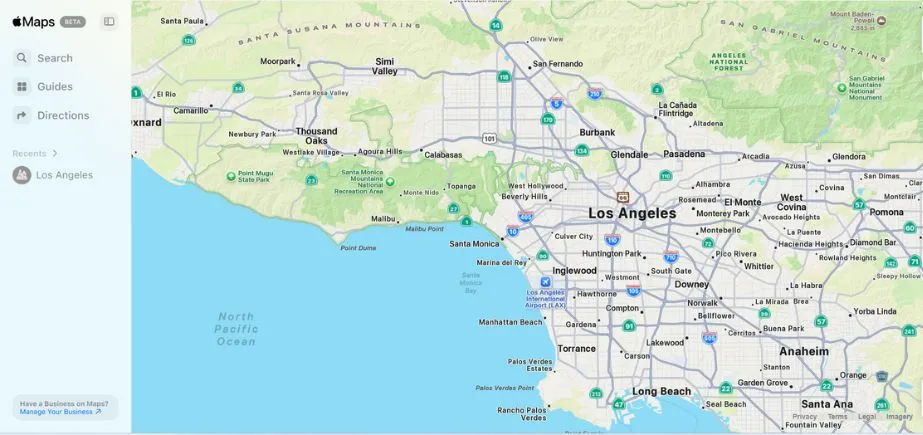
Apple Maps is Apple’s own navigation app, so it offers details of maps, turn-by-turn directions, and real-time traffic and transit. The accuracy and ease of use have risen greatly over the past years. The notable characteristics are Flyover 3D views and lanes, and privacy-oriented location management, because Apple does not attempt to track its users too frequently. Smoothly built into iOS, macOS, and CarPlay, it is perfect when using Apple devices that require a stylish interface, affordable navigation, close interaction, and use scenarios of other Apple services, but do not want to use the Google ecosystem.
Key Features:
- “Look Around” street-level imagery with smooth 3D transitions
- Indoor maps for airports, malls, and major venues with detailed floor plans
- Siri integration for hands-free voice commands and navigation
- Privacy-focused design that doesn’t track or store personal location data
- “Guides” feature with curated recommendations from trusted sources
Website:
apple.com/maps
Ideal Users:
Apple device owners who prioritize privacy and seamless ecosystem integration, particularly those who use multiple Apple products and want their navigation to sync across devices.
2. Waze
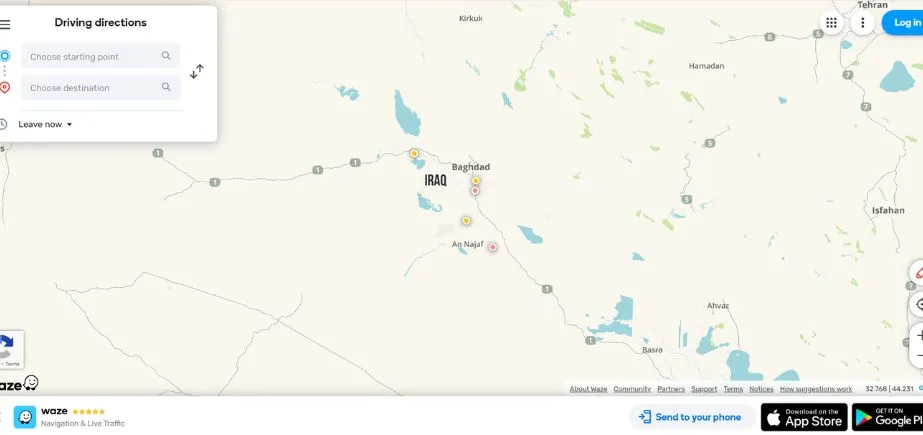
Owned by Google, Waze is one of the independent Google Maps alternatives founded on the community. It encompasses real-time traffic information, hazard awareness, and potential routes reported by the users. The most common one among the commuters prevents traffic jams, road blockages, and accidents. Waze also has voice-guided navigation, as well as being able to work with music and podcast applications. It gathers user information to provide functionality; however, because of its live reporting capabilities, it is widely dependable in providing timely driving information that is important in large cities where traffic conditions are subject to quick changes.
Key Features:
- Real-time crowdsourced traffic and hazard reporting from an active user community
- Dynamic route adjustments based on live traffic conditions and incidents
- Social features allowing users to share locations and arrival times with friends
- A gamification system with points and achievements for contributing road information
- Police and speed camera alerts reported by fellow drivers
Website:
waze.com
Ideal Users:
Commuters and frequent drivers who want the most current traffic information and don’t mind contributing to a community-driven platform, particularly those driving in congested urban areas.
3. HERE WeGo
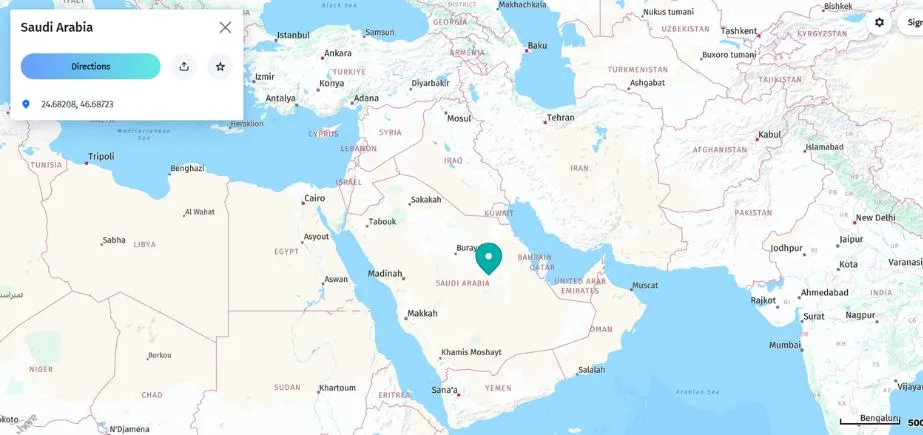
HERE WeGo is a navigation application that provides Fine-grained maps, the offline option, and turn-by-turn movement directions for road, on the road, bicycle, and transport. It was invented by Nokia and can carry regional maps to be used without an internet connection, hence far more useful when travelling. Here WeGo will also provide scheduled information about the public transport in numerous cities, as well as ride-hailing. Its usability in offline conditions, neat interface, and high accuracy rating are the strengths that keep it as a favorite of people who do not want to use data all the time to get high-quality navigation.
Key Features:
- Complete offline navigation for driving, walking, cycling, and public transit
- Multi-modal transport planning with real-time departure information
- Voice guidance available in over 50 languages for global accessibility
- Speed limit warnings and lane guidance for safer driving
- Unlimited offline map downloads covering 200+ countries without storage restrictions
Website:
wego.here.com
Ideal Users:
International travelers, users in areas with limited internet connectivity, and anyone who frequently needs navigation in offline environments.
4. OpenStreetMap
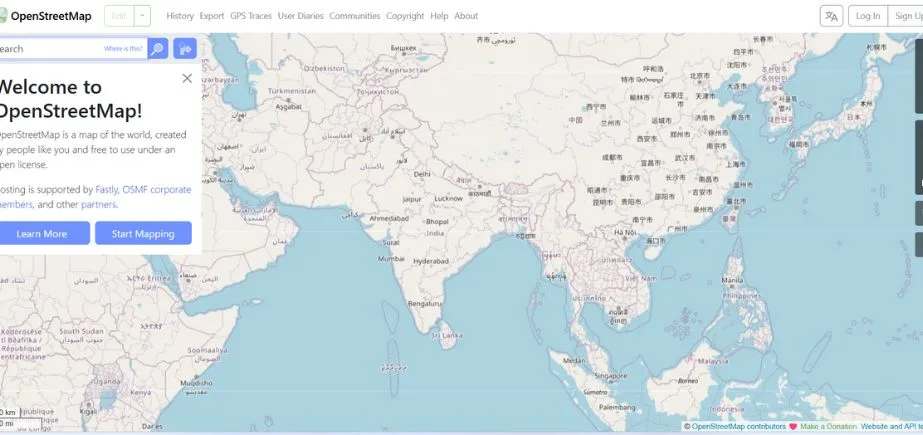
OpenStreetMap (OSM) is a free mapping system that was developed and continually updated by users throughout the world. Its data are available as part of a range of apps and services, and its mapping data are frequently more detailed in niche/rural locations than commercial alternatives. OSM can be personalized to focus on the individual requirements, such as riding or hiking. Although there is no single official navigation application, its maps are used by popular instruments, OsmAnd and Maps.me. It is perfect when it comes to privacy-sensitive users who appreciate community-based, free mapping.
Key Features:
- Open-source mapping data freely available for any application or service
- Real-time collaborative editing allowing instant map updates by contributors
- Comprehensive global coverage with detailed local knowledge from community members
- No licensing restrictions enabling unlimited commercial and personal use
- Foundation for countless specialized mapping applications and services
Website:
openstreetmap.org
Ideal Users:
Open-source enthusiasts, developers creating mapping applications, users in areas where commercial maps are inadequate, and anyone who wants to contribute to a community-driven mapping project.
5. MapQuest
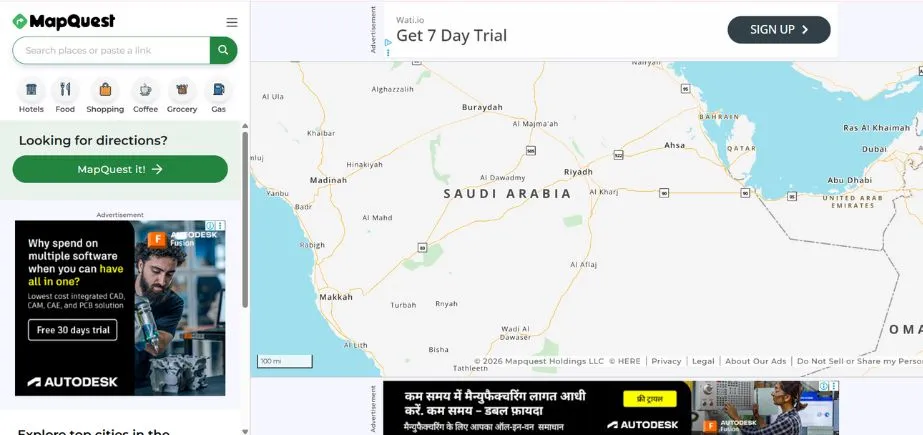
One of the first Google Maps Alternatives was MapQuest, and it is a stable option that provides driving directions, live traffic data, and route optimization. It has multi-stop planning, comparisons of fuel prices, and hotel booking systems. MapQuest can be accessed through the web and mobile and provides turn-by-turn voice capability and offline maps in select areas. Although the design of its interface is more conservative than that of newer apps, it is trustworthy when it comes to planning any trip, and it offers a sufficient combination of navigation and travel-related services to accommodate the needs of the majority of daily drivers.
Key Features:
- Voice-guided turn-by-turn navigation with real-time traffic updates
- Multi-stop route optimization for efficient trip planning
- Live traffic data with alternative route suggestions during congestion
- Fuel cost estimation and gas station finder with price comparisons
- Business directory integration with customer reviews and contact information
Website:
mapquest.com
Ideal Users:
Road trip planners, users who prefer web-based mapping interfaces, and those seeking traditional mapping features with modern navigation capabilities.
Read More: Best Google Maps Scraping Tools
6. OsmAnd
OsmAnd is a very capable offline-centered navigation application that operates using OpenStreetMap data. It provides a customizable layer of maps, turn-by-turn instructions, route guidance, and search for points of interest. This app is known among hikers, bicycle riders, and visitors and allows the use of topographic maps, imports of GPX files, and offline routing. Their users will be able to download the whole map of the country to use offline. The app is also able to display the speed limits and guidance in lanes. Whilst its interface is relatively complicated and confusing to the novice user, its richness of features is very useful when it comes to serious navigation requirements.
Key Features:
- Extensive offline maps with regular updates
- Hiking and cycling route planning with elevation profiles
- Voice-guided navigation with customizable voice prompts
- Wikipedia integration providing local information
- Contour lines and hill shading for topographical navigation
Website:
osmand.net
Ideal Users:
Outdoor enthusiasts, hikers, cyclists, and travelers who need reliable offline navigation in remote areas.
7. Sygic
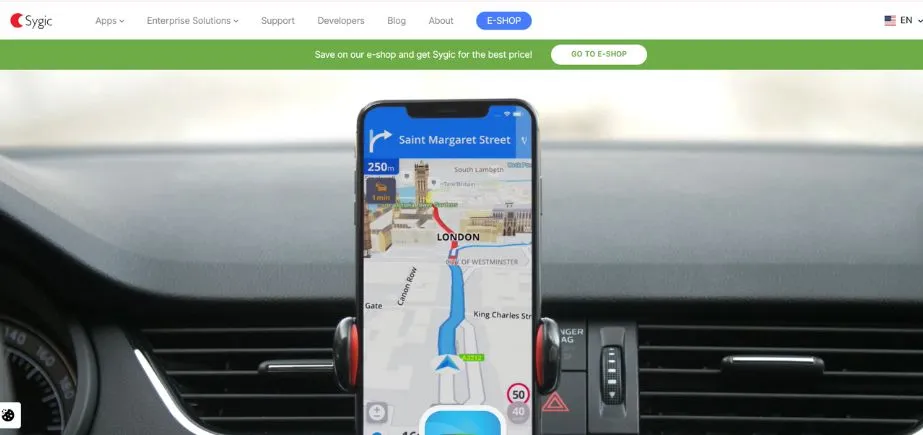
The Sygic app is a high-quality navigation application with rich offline maps based on TomTom data. It provides premium options such as lane guidance, speed camera warnings, dashcam recording, and instant traffic information. Sygic navigation includes both in-car navigation and offers Apple CarPlay and Android Auto connectivity, as well as pedestrian navigation. Its offline features have been popular with international travellers, and features added to it, which are optional, include a head-up display (HUD) mode. It is most suitable for users who would like to have an experience with all possible features of a professional navigation system.
Key Features:
- High-quality offline maps with 3D landmarks
- Head-up display (HUD) projection for windshield navigation
- Dashcam functionality with incident recording
- Speed limit warnings and safety camera alerts
- Parking assistant with space finding and payment options
Website:
sygic.com
Ideal Users:
Professional drivers, frequent travelers, and users seeking premium navigation features with advanced safety and convenience tools.
8. Maps.me
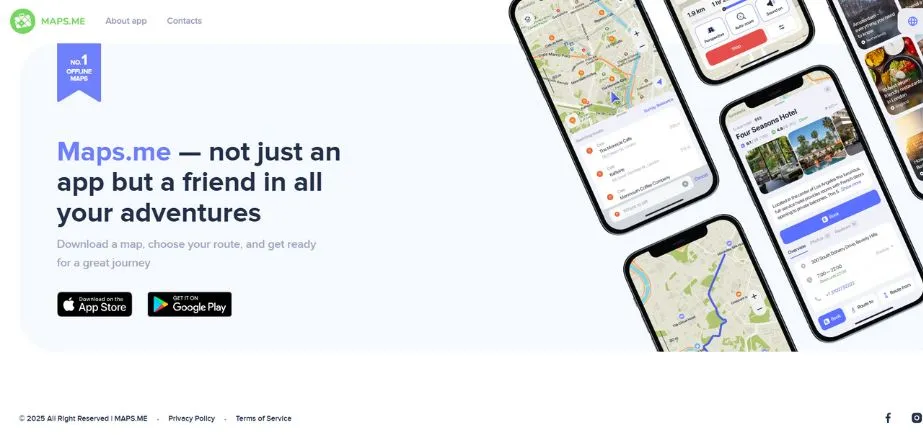
Maps.me is one of the offline-friendly Google Maps Alternatives, created on the basis of the OpenStreetMap data. It has navigation information (turn-by-turn road navigation, walking navigation, and biking navigation), and an extensive database of points of interest (such as hotels, restaurants, and tourist attractions). The downloadable maps can be saved offline in regions, which makes them appropriate to use by travelers who do not always have internet access. The application can also do bookmarking of favorite locations and sharing of locations with friends. Easy to use, small, and featuring ads, Maps.me will suit the needs of occasional users and those who travel on a budget.
Key Features:
- Completely offline maps with no internet required
- Detailed coverage of hiking trails, cycling routes, and walking paths
- Bookmarking and list creation for travel planning
- Search functionality that works offline
- Turn-by-turn navigation for walking, driving, and cycling
- Public transportation information in select cities
- Travel guides and recommendations for local attractions
Website:
maps.me
Ideal Users:
International travelers, backpackers, outdoor enthusiasts, and users in areas with limited or expensive mobile data connectivity.
9. TomTom GO Navigation
TomTom GO Navigation is a paid-for app with up-to-date, accurate maps that are updated on a regular basis, real-time traffic, and advanced routing abilities. It enables one to download maps to use offline and gives lane guidance, speed camera warnings, and voice-guided navigation. Being thought out in terms of both regular drivers and those traveling regularly, it is compatible with Apple CarPlay and Android Auto. TomTom has a very established reputation in the field of GPS navigation; therefore, it must be highly reliable, which is a good option as long as one is ready to pay a premium price.
Key Features:
- Advanced route planning with real-time traffic optimization
- Speed camera and hazard warnings
- Lane guidance and junction view for complex intersections
- Offline maps with lifetime updates
- Integration with smartphone contacts and calendar
Website:
tomtom.com
Ideal Users:
Users seeking premium navigation accuracy, frequent long-distance drivers, and those who value traditional GPS device reliability in app form.
10. Citymapper
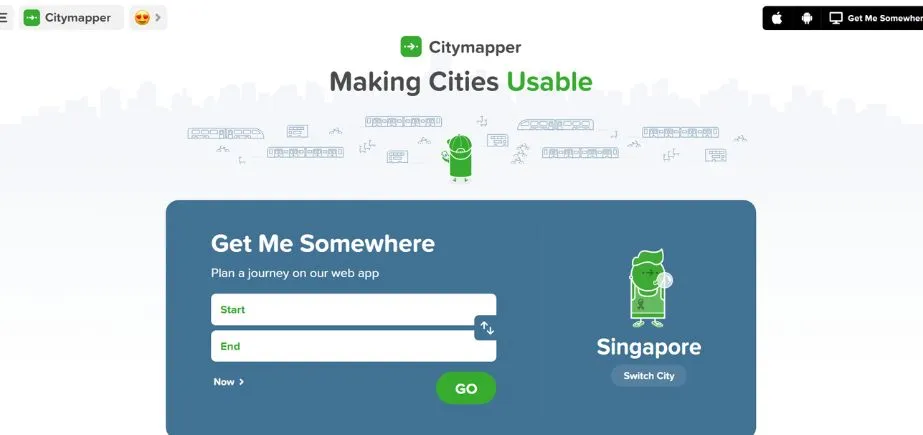
Citymapper is an app for traveling around the city, which includes routes of public transport, walking and cycling directions, as well as the ability to order rides. It shows major cities world-wide with real time departure information, disruption message, and multi-modal route planner. Citymapper’s one-stop “GO” real-time assistant helps with step-by-step transit directions, including transfers and walking information. As much less meant for driving, however, they excel at assisting commuters and city folks navigate free complex transport systems systematically, it is a must-have for metropolitan travel and everyday commuting.
Key Features:
- Comprehensive public transportation integration with real-time data
- Multi-modal journey planning combining walking, transit, cycling, and ride-sharing
- Live departure times and service disruption notifications
- Step-by-step navigation for complex transit systems
- Integration with bike-sharing and scooter services
Website:
citymapper.com
Ideal Users:
Urban commuters, public transportation users, and travelers in major metropolitan areas who need comprehensive transit navigation.
How to Choose the Right Google Maps Alternatives
Choosing the best Google maps alternatives can only be done with proper caution, depending on your needs, usage, and preferences. Here’s a systematic approach to making the right choice:
Match Features to Your Needs
Consider your primary use cases for navigation. Daily commuters can take advantage of these apps, such as Waze, which are exemplary in real-time traffic and route selection. Travelers should use solutions with good offline support. International travelers should be especially concerned about solutions such as HERE WeGo or Maps.me. Citymapper may require more attention to the public transport needs of urban professionals, and OsmAnd or Maps.me may be the best opportunity to hike and ride bicycles. TomTom or Sygic may prove to be suitable for the business users of the commercial vehicle route or professional functionality.
Consider Offline Usage and Platform Compatibility
Evaluate how often you need navigation without internet connectivity. In case offline use is paramount, give priority to such apps as OsmAnd, Maps.me, or HERE WeGo that support offline use comprehensively. Also take into account your device ecosystem – Apple Maps is tightly integrated with iOS devices, and ones are cross-platform. Ensure your favorite app is compatible with the infotainment system in your car, smartwatch, or any other connected technology.
Balance Privacy, Cost, and Usability
Determine your privacy priorities and budget constraints. These Google Maps alternatives -, such as those built on OpenStreetMap (e.g., OsmAnd), have the best privacy, but they can be more technical. You can use free apps, such as HERE WeGo and Maps.me, that offer decent functionality free of charge, whereas premium apps, such as Sygic and TomTom, have even more features available as a subscription. Give a thought to the learning curve – certain applications, such as Apple Maps and Waze, have rather intuitive interfaces, but others, such as OsmAnd, have very useful functionality that takes time to learn.
Conclusion
It is worth trying Google maps alternatives, as the various navigation programs work better in diverse situations and applications. Google Maps is a good general-purpose mapping tool, but in many cases, competing focused solutions might have better coverage of a particular use case, increased privacy, or offline support.
Because of the variety of mapping applications that you will find by 2026, chances are, there is an ideal tool to satisfy your tastes and satisfy your individual needs, be that in the name of privacy, offline capability, specialized functionality, or even to get out of the Google ecosystem altogether. Whether it is privacy-conscious OpenStreetMap or community-maintained Waze, offline-compatible Maps.me, or transit-specific Citymapper, all the alternatives will offer certain strengths.
The majority of the tools have a free download and trial, which gives you an opportunity to see your interface, features, and different directions of navigation. Use paid application free trials, test offline options where you live, and compare the extent of compatibility of each product with your everyday life and commute. The amount of time that you spent to locate the appropriate alternative would enhance your navigation and would be beneficial to your particular needs.
FAQs
1. Which offline Google maps alternatives are the best one?
These are OsmAnd and Maps.me with the best offline features. OsmAnd maps have detailed offline maps that show hallmark pathways, contours, or other features and allow great customization, which is desirable in outdoor activities. Maps.me provides simple and easy-to-use offline navigation, and coverage in international travel is decent. WEgo HERE also includes great offline capabilities and works with the integration of public transportation, which is why it is great when it comes to cities and international locations.
2. Which are the most privacy-friendly Google Maps Alternatives?
Applications based on the OpenStreetMap, such as OsmAnd, have the most privacy because they never store the user data or do not pick up personal data. It is open-source, meaning that there is transparency about how your data will be served. Great protection against privacy as well, Maps.me provides, whereas Apple Maps protects better privacy than Google Maps implementation due to on-device processing and limited data collection, but it remains less privacy-first than the open-source solution.
3. Are such Google Maps alternatives internationally applicable?
Most of the alternatives apply at the international level, although coverage is different. HERE WeGo, Maps.me, and OsmAnd provide feature-filled international coverage and are capable of offline use. Apple Maps has found success in countries that support it, but in other parts of the world, some functions will not be supported. Waze is worldwide, though it works best where it has strong user communities. It is always important to diagnose the coverage that is available to a particular destination.
4. Are the Google Maps alternatives as dependable as paid ones?
Depending on what you want, many free variants are equal to or even surpass the reliability of paid ones. These free navigation tools, Waze, HERE WeGo, and Maps.me, are as good as expensive ones. Nevertheless, paid Google Maps Alternatives such as Sygic and TomTom GO can include options that are not reflected in the cost, such as optimizing routes, exceptional customer service, and specialized functions that can prove to be worth the expense to the avid user or for business use.
Continue Exploring: Top Benefits of Using Google Search