
The internet has transformed the marketing landscape, and social media is now at the heart of every strategy. With billions of active users, businesses, influencers, and musicians are constantly seeking the right tools to stand out and capture attention. The right social media optimization tools can make the difference between being noticed and getting lost in the noise.
By 2026, the opportunities for individuals and brands who master social media will be greater than ever. Managing multiple platforms, creating engaging content, and monitoring performance can feel overwhelming without the proper support. Fortunately, modern tools—many with robust free plans—make it easier than ever to handle social media professionally and efficiently.
This blog explores the top All SMO Tools for 2026 to help refine your strategy, improve audience engagement, and deliver measurable results. Whether you’re a small business owner, content creator, or digital marketing professional, these platforms are designed to simplify your workflow and elevate your online presence.
What Is SMO (Social Media Optimization)?
Social Media Optimization (SMO) is the process of optimizing your social media presence, content, and profiles to get more visibility, engagement, and reach for your brand. SMO can be thought of as the art of making your social media presence beautiful for both human users and a platform’s algorithm.
It’s different from traditional marketing, however, since SMO is more about establishing actual relationships with your followers through quality, shareable content. It’s more about things like crafting the ultimate profile bio, figuring out when to tweet, and using effective hashtags. The idea is to have a social media presence that draws followers in and converts them into brand loyalists or customers.
What SMO Tools Actually Do
- Profile Optimization: Examine and recommend better bios, profile pictures, usernames and links.
- Hashtag Research: Discover relevant and trending hashtags to get more content discovered.
- Content Scheduling: Schedule and automatically post content at the best times to maximize engagement.
- Analytics & Insights: Monitor the number of followers, rate of engagement, reach and audience demographics.
- Competitor Analysis: Keep track of competitors’ actions and identify which ones work.
- Content Creation: Have templates, creating tools, and AI-generated captions or graphics.
AI Ad Creation: Tools like an AI ad maker help creators quickly generate ad creatives and short promotional videos for social media campaigns. - Engagement Management: Forwarding and consolidating comments, messages and mentions on various platforms.
- Performance Monitoring: Test the effectiveness of posts, and determine content trends.
- Audience Research: Find out when your audience is most active and what they like to watch.
- Cross-Platform Management: Manage multiple social accounts from a single dashboard.
Why SMO Is Critical for Digital Marketing in 2026?
SMO is the central component of digital marketing these days, especially in 2026, as the internet world has undergone multiple changes. Here’s why SMO is highly relevant:
- Improved Algorithm Visibility: Social media algorithms are more intelligent than ever before, ensuring that content that generates actual engagement and shares takes priority. An effective SMO strategy ensures your content is visible.
- More Organic Reach: Effective SMO can bring your content in front of those outside your immediate audience to new readers who will enjoy what you have to say.
- Integrated Marketing System: SMO does not exist on its own. It exists within your complete digital marketing system in order to drive traffic to your site, improve search rankings, and create customer feedback.
What Are All SMO Tools?
All SMO tools are integrated software applications that bring together and optimize the whole social media management process from one location. They help you:
- Automate and Schedule: They relieve you of the time-consuming task of manual posting through scheduled and planned content weeks or months in advance.
- Track Performance: All SMO tools provide helpful information regarding the performance of your content, audience demographics, and the trend of engagement.
- Create and Curate Content: All the tools have design elements, templates, and content search options that help you design stunning posts and find trending topics.
- Manage Multiple Platforms: Instead of logging in to individual apps, a good SMO tool manages all your social media platforms at once.
Popular All SMO Tools Comparison 2026
| Tool | Purpose | Free/Paid | Key Features |
| Hootsuite | All-in-one social management | Free & Paid ($99+/mo) | Schedule posts, analytics, team collaboration, 35+ networks |
| Buffer | Simplified scheduling & analytics | Free & Paid ($6+/mo) | Post scheduling, basic analytics, Instagram first comment, 3 channels (free) |
| Canva | Visual content creation | Free & Paid ($15+/mo) | Templates, design tools, brand kit, social media templates |
| Later | Visual content planner | Free & Paid ($25+/mo) | Visual Instagram grid, auto-publish, hashtag suggestions, 1 social set (free) |
| Sprout Social | Enterprise social management | Paid only ($249+/mo) | Advanced analytics, social listening, CRM integration, publishing |
| BuzzSumo | Content research & discovery | Free & Paid ($199+/mo) | Trending content, influencer discovery, competitor analysis |
| Tailwind | Pinterest & Instagram specialist | Free & Paid ($20+/mo) | Smart scheduling, hashtag finder, analytics, ghost writer |
| Metricool | Multi-platform analytics | Free & Paid ($12+/mo) | Analytics, scheduling, competitor tracking, custom reports |
| SocialBee | Content categorization | Paid only ($29+/mo) | Content categories, recycling posts, AI assistant, evergreen posting |
| MeetEdgar | Content recycling | Paid only ($29.99+/mo) | Auto-recycling, category-based scheduling, unlimited posting |
| Planoly | Instagram visual planner | Free & Paid ($15+/mo) | Grid preview, drag-drop planning, auto-posting, 30 uploads/mo (free) |
| RiteTag | Hashtag optimization | Free & Paid ($49+/yr) | Real-time hashtag suggestions, color-coded engagement predictions |
| Hashtagify | Hashtag research | Free & Paid ($29+/mo) | Hashtag trends, related tags, popularity charts |
| Agorapulse | Social inbox & publishing | Free & Paid ($69+/mo) | Unified inbox, scheduling, reporting, team collaboration |
| CoSchedule | Marketing calendar | Paid only ($39+/mo) | Social scheduling, content calendar, ReQueue feature |
List of Top 15 Best All SMO Tools for 2026
1. NapoleonCat
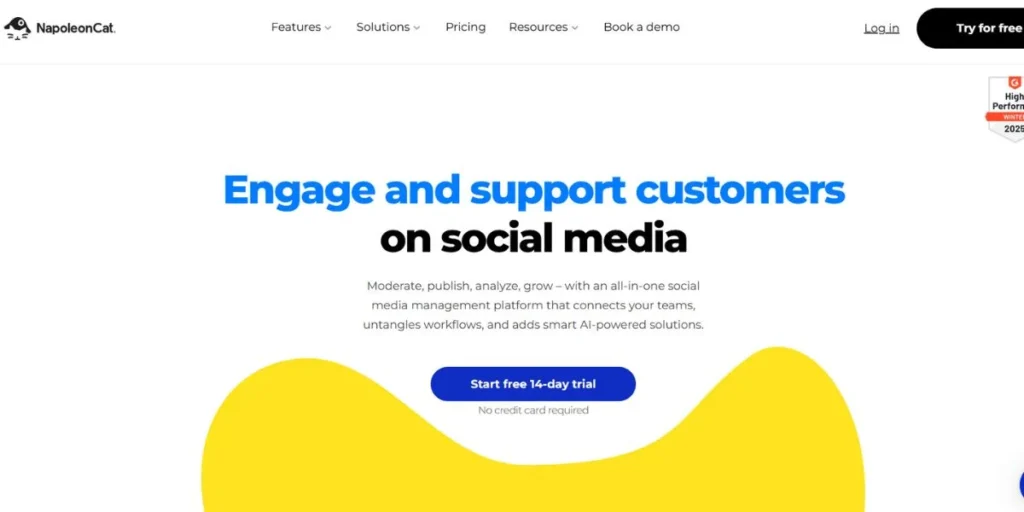
NapoleonCat is a social media management hub driven by artificial intelligence for businesses, agencies, and groups operating multiple profiles. The application is also famous for its inbox management, posting of content, and automated moderation, all of which are powerful features for a person who has to work through many social media interactions.
It is one of the best-of-the-best all SMO tools available, and it provides you with in-depth analytics so that you can track how well your competitors’ content and profiles are performing on numerous social networks. It is a utility that organizes social media work from one dashboard.
Key Features:
- It can collect all your mentions, DMs, and comments in a single location across all of your accounts.
- It includes network-specific styling and Google Analytics’ UTM tagging functionality.
- It includes detailed social analysis such as demographic analysis, sentiment analysis, and comparison of competing accounts.
- It supports 10 social networks.
Pricing:
- Standard Tier: $21 to $27 a month.
- Pro Tier: $42 to $55 a month.
- Enterprise: Custom pricing.
- There is no free trial.
URL:
https://napoleoncat.com
2. Hootsuite
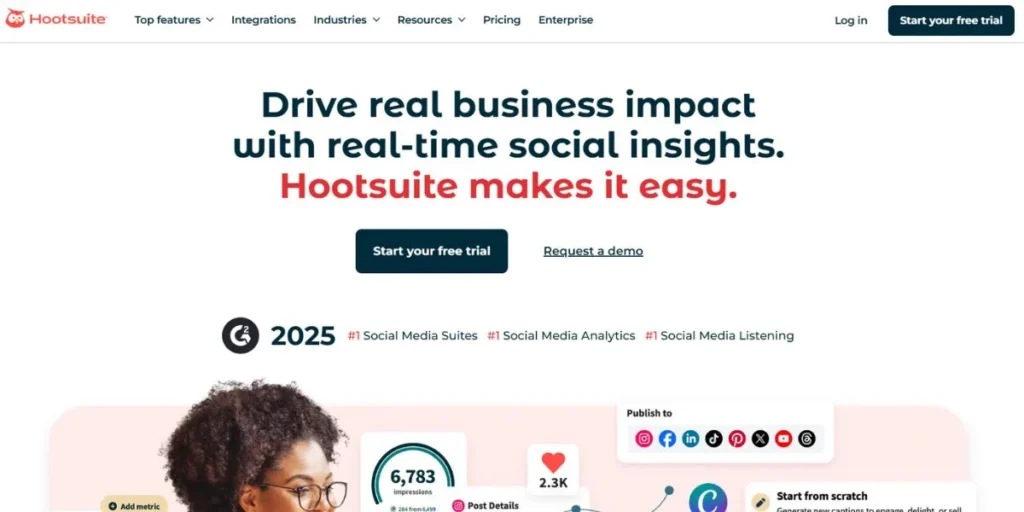
As number one on most people’s list, Hootsuite is a veteran all SMO tools options. It provides a range of social media management features, including engaging, scheduling, monitoring, and measuring social media posts. As an efficient, enterprise-grade tool, it has been in use since 2008 and is suitable for both individuals and large organizations.
Hootsuite helps effective organizations save an average of 3 hours of labor per week by leveraging content creation resources, a single inbox, and analytics insights. It assists you in determining which functions and posts work effectively with your audience.
Key Features:
- It provides users with a drag-and-drop content calendar and Bulk Composer.
- The tool can track brand mentions, competitors, and keywords.
- It comes with OwlyWriter AI to use for content headlines, hashtags, and inspiration.
Pricing:
- The plan starts from $99 per month.
- There is a free trial.
URL:
https://www.hootsuite.com
3. ContentStudio
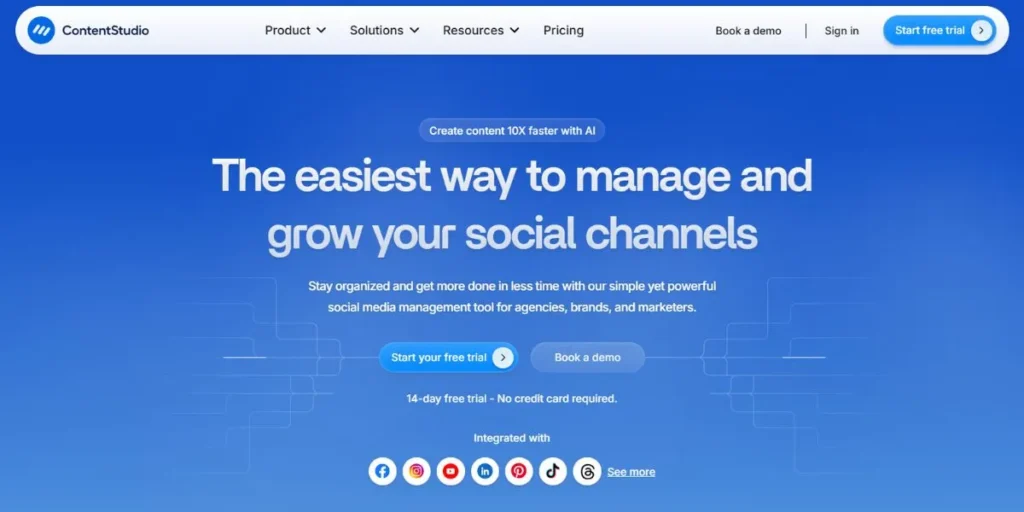
ContentStudio is an all-around social media and content management platform that offers numerous benefits, such as scheduling, planning, and publishing of content. It is a robust marketing and agency tool for anyone who needs effective content delivery with additional information.
The social media tool on this site makes it easy to post to many places, giving your brand good reach. Its detailed metrics and reports let you see how well your content performs, helping groups make informed decisions.
Key Features:
- It bulk-schedules content through CSV import and evergreen campaign support.
- It offers AI-driven features in copywriting, hashtags, and short copy.
- It helps you discover articles, images, and videos with integrations like Pixabay and Giphy.
Pricing:
- Standard Tier: $19/month.
- Advanced Tier: $49/month.
- Agency Unlimited: $99 per month.
- You can save your money by doing year-on-year billing.
URL:
https://contentstudio.io
4. Sprout Social
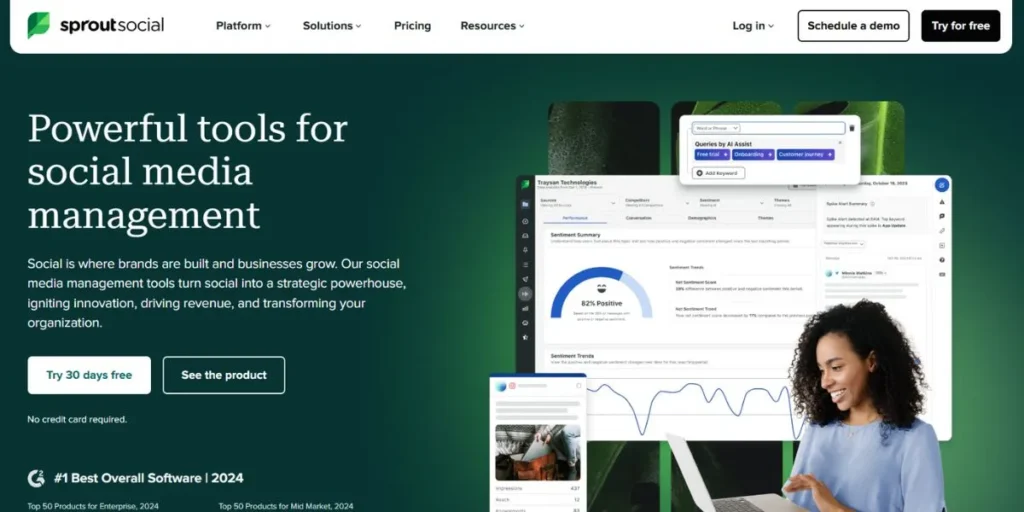
A practical and popular tool for one of the leading all SMO tools is Sprout Social. The tool is best for many people for its advanced features and strong integrations, which let you post, schedule, and engage on social media platforms from one dashboard. Sprout Social also possesses a social listening feature via which you can listen to what people talk about, follow trends, and discover influencers with strong search capability. It provides team collaboration capabilities that let you grant permissions to run workflows efficiently and assign tasks.
Key Features:
- It provides content performance, engagement, and demographics reports.
- It provides saved replies, filtering, and tagging for suitable responses.
- The application provides cross-channel scheduling using a simple-to-use content scheduler.
Pricing:
- Standard Tier: $199 per user/month.
- Professional Tier: $299 per user/month.
- Advanced Tier: $399 per user/month.
- Annual plans are billed.
URL:
https://sproutsocial.com
5. Publer
Publer is a simple and popular social media management tool. It offers several useful features to help users efficiently manage social media accounts. The platform is most suitable for content creators, small companies, and marketers seeking a simple-to-use tool in order to automate social media campaigns.
Publer has an easy dashboard and intuitive interface to make it easy to connect your accounts and start scheduling your posts. It is even possible to utilize its browser extension to bookmark content from anywhere on the web.
Key Features:
- It features automatic posting functionality for Instagram and Facebook groups.
- The tool can generate instant captions, hashtags, and prompts.
- It can save assets by folders and tags, and has numerous integrations with platforms.
Pricing:
- Professional Tier: $12-$15 per month.
- Business Tier: $21-$28 per month.
- Enterprise: Custom plans.
- There is a free plan as well.
URL:
https://publer.com
6. Later
Later, or Planoly, is a social planning app that focuses on the look of your posts. It helps you plan and book posts on your content list for sites like Pinterest, LinkedIn, Facebook, and Instagram. It’s a great pick for people who care about how their social media looks. The app offers AI content features to help you write captions and hashtags, a social inbox that lets you see and respond to Instagram and Facebook DMs directly in the web app, and more.
Key Features:
- The software has a simple drag-and-drop calendar feature.
- There is unlimited storage space for media that support notes, tagging, and reusable content.
- The tool provides users with hashtag facilities for recommendations and feed previews.
Pricing:
- Starter Pack: $16.67 per month.
- Growth Pack: $33.33 per month.
- Scale Pack: $73.33 per month.
- All plans are billed annually.
URL:
https://later.com
7. SocialBee
SocialBee is an excellent SMO tool with a solid set of features to manage your social media and website posts. If we focus on the tool’s functionality, you’ll find many features such as post recycling, analytics, and content creation, which make it a strong candidate for the list of All SMO tools. SocialBee AI Copilot provides over 1,000 prompt templates, and you can group your social media posts as evergreen, promotional, or blog posts for easy organization.
Key Features:
- The app has an AI Copilot built in and offers more than 1,000 ready-made prompts.
- It organizes your social media posts into categories such as ads, blogs, and long-form content.
- This app can show how far your posts reach, how fast they grow, and how much they attract people.
Pricing:
- Bootstrap Tier: $29 per month.
- Accelerate Tier: $49 per month.
- Pro Tier: $99 per month.
- There is a 14-day free trial.
URL:
https://socialbee.com
8. Zoho Social
Nearly all SMO tools are popularly known to users, and one among them is Zoho Social. It is as good as all social media management features you can possibly get, and it has plenty of helpful features. It is perfect for agencies, businesses, and teams that manage many accounts. Zoho Social is rated as very cost-effective and very easy to use, making it efficient for anyone in your business. It also provides unlimited tracking of brand mentions, keywords, and hashtags.
Key Features:
- It can monitor brand call-outs, comments, and keywords all at once.
- It holds a mix of deep data points, such as views, how many interactions there are, and where clicks come from.
- You will also get many team tools, such as notes and drafts.
Pricing:
- Standard Tier: $15/month.
- Professional Tier: $40/month.
- Premium Tier: $65/month.
- You have the option to take a free trial.
URL:
https://www.zoho.com
9. SocialPilot
SocialPilot is social media management software that includes features such as content creation, inbox management, and new analytics. It includes scheduling posts across different networks and bulk uploads, making it a handy tool. SocialPilot is the best choice for agencies and small businesses due to its affordability and feature set. The app also comes equipped with an AI assistant that helps you create platform-based captions and post ideas.
Key Features:
- The app allows you to schedule posts for most networks, such as LinkedIn, Facebook, and Instagram.
- It can schedule more than 500 posts in a group.
- With the help of its AI, it can also generate platform-specific post ideas and captions.
Pricing:
Professional Tier: $30/month.
Small Team Tier: $50/month.
Agency Tier: $100/month.
URL:
https://www.socialpilot.co
10. Canva
Canva is one of the most widely used tools that you will find as you search for all SMO tools. You may be familiar with Canva only as a serious graphic design tool, but it can also be used to organize your social media content with its intelligent content planning feature.
It has an ample selection of pre-designed templates, photos, illustrations, and icons, making it simple to produce beautiful images for any social media site. Use of a drag-and-drop editor and tools such as Magic Eraser and AI Background Remover makes designing easy.
Key Features:
- You are provided with a library of pre-built templates for different platforms such as Facebook, LinkedIn, and Instagram.
- You have an intuitive editor that offers numerous easy-to-use options for customization.
- As a pro user, you can store multiple facilities, such as fonts and color schemes.
Pricing:
- Canva Pro: $46.35/year.
- Canva Teams: $46.35/year.
- Enterprise: Custom.
- Has a free version with limited features.
URL:
https://www.canva.com/en_in
11. Buffer
Among all SMO tools, the Buffer tool is another that we can add to our list. The software is primarily an easy-to-use social media management tool for SMO activities. It is best suited for a variety of people, including creatives, small businesses, and individual marketers.
Buffer also offers cross-platform scheduling and AI-powered posting time suggestions. Buffer also offers integration with Google Analytics for comparison and sentiment analysis to help you better know your audience.
Key Features:
- The software offers cross-platform scheduling across platforms like Facebook, Instagram, and LinkedIn.
- It can provide users with time-based AI and content suggestions.
- The software can be connected to Google Analytics for sentiment analysis and benchmarking.
Pricing:
- Essentials Subscription: $5/month.
- Team Subscription: $10/month.
- There is also a free plan.
URL:
https://buffer.com
12. Postly
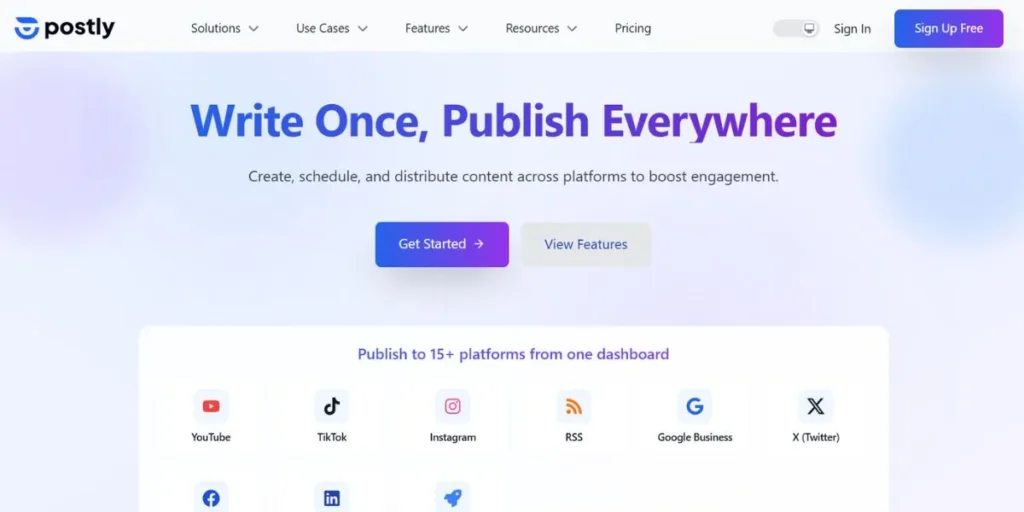
Postly is an AI tool primarily used to boost your online presence and manage social media. This SMO tool became popular because it can do many tasks on its own. Postly works with many networks, such as Reddit, Pinterest, and Discord, and lets you post many posts at once, making your work much easier.
Key Features:
- Due to AI-based features, you can generate post titles based on platforms, hashtags, and descriptions.
- It supports popular sites like Reddit, Pinterest, and Discord.
- It enables you to upload posts in bulk and publish them on social media automatically.
Pricing:
- Standard Tier: $9 to $15 per month.
- Professional Tier: $30 to $40 per month.
- Enterprise Tier: Custom pricing.
URL:
https://postly.ai
13. Metricool
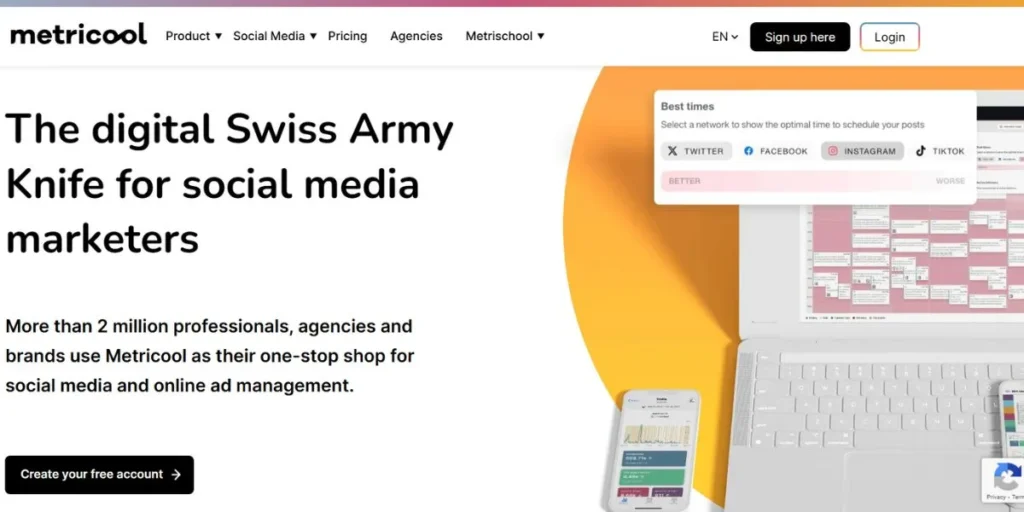
Just like any other solution, Metricool can be used as a one-stop advertising and social media management platform. It is a strong solution for more than 2 million agencies, market developers, and brands that require an end-to-end solution.
Metricool offers a range of features, from multi-platform scheduling and AI content-creation assistants to a link-in-bio for your social handles. It even has a free plan for one-brand management.
Key Features:
- It can offer multi-platform scheduling for several social media websites.
- It can offer users productive scheduling suggestions.
- The tool can even provide an AI assistant for tasks such as captions and hashtags.
Pricing:
- Starter Pack: $22 per month.
- Advanced Pack: $54 a month.
- Enterprise: Custom pricing.
- It has a free version too.
URL:
Home
14. Friends+Me
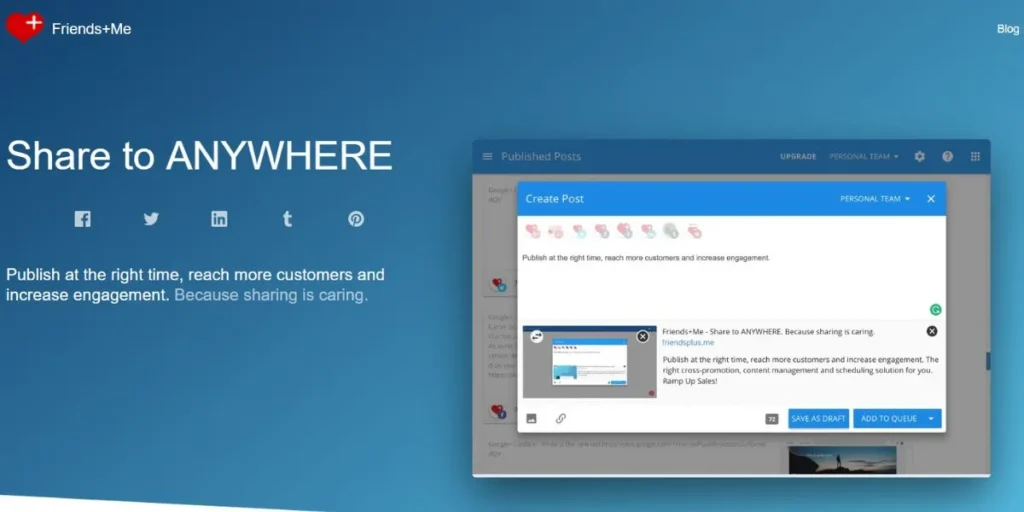
Another suggestion we can provide you with for an all SMO tools option is the facility of Friends+Me. It’s a nice social media management platform that also comes loaded with ample automation tools. With its autopilot feature, it attracts a range of people, including groups, businesses, and content creators.
Its cross-promotion process is also well known, allowing you to easily share your content across all social networks, saving time and money. It also has mobile and desktop applications for creating, updating, and scheduling social account postings on the go.
Key Features:
- It has auto-posting capabilities and cross-platform scheduling.
- You can upload several different posts simultaneously to various social media platforms.
- The SMO tool can save various types of content from the web browser using many browser extensions.
Pricing:
- Individual Tier: $9/month.
- Small Tier: $29/month.
- Medium Tier: $59/month.
- There is a free plan too.
URL:
https://friendsplus.me
15. Tailwind
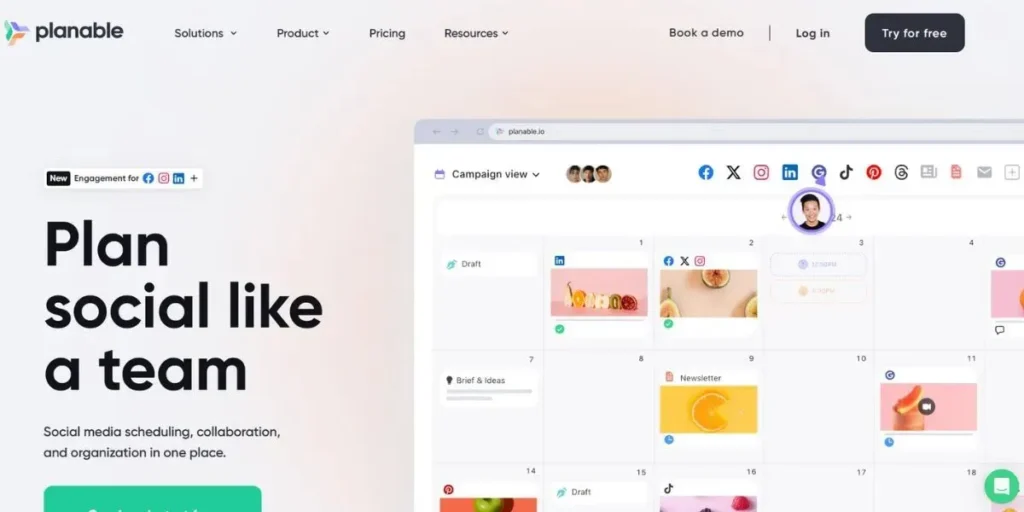
Tailwind is mainly appropriate for sites like Instagram and Pinterest. There are various benefits you can get from this app, such as AI-powered tools for intelligent scheduling and content recycling automation.
The application includes a built-in algorithm that provides the best posting schedules for your posts and offers a wide range of native templates to help your images stand out.
Key Features:
- The app uses algorithms to provide the best posting times.
- The app features bulk uploads to Pinterest and Instagram.
- Pinterest and Instagram provide ready-made AI-based templates.
Pricing:
- Hobby Tier: $29/month.
- Enterprise Tier: $99/month.
- Pricing may also vary depending on the contacts, though.
URL:
https://www.tailwindapp.com
Pros & Cons: Free Tools vs Paid Tools
| Aspect | Free Tools | Often includes the tool’s watermark |
| Cost | No investment required | Monthly/annual subscription |
| Features | Basic scheduling, limited analytics | Advanced analytics, AI features, automation |
| Post Limits | 10-30 posts/month typically | Unlimited or very high limits |
| Accounts | 1-3 social accounts | 10-100+ accounts |
| Analytics | Basic metrics only | Detailed insights, custom reports, competitor data |
| Customer Support | Community forums, email | Priority support, dedicated account manager |
| Branding | Often includes tool’s watermark | White-label options, no branding |
| Team Features | Solo use only | Collaboration, approval workflows, roles |
| Best For | Beginners, solopreneurs, testing | Agencies, businesses, serious creators |
| Limitations | Feature restrictions, ads | Higher cost, learning curve |
How to Choose The Right SMO Tool for Your Needs?
Selecting the proper SMO tool must be done seriously. Follow are the key steps to do so:
- Set Your Objectives: What do you want to do with social media? Do you need to build brand awareness, create sales, or increase website traffic?
- Measure Mandatory Features: Depending on your objectives, what features are absolute necessities? Do you need a content organizer, detailed analytics, or an AI author assistant?
- Match the Tool to Your Team Size: Are you a solo creative, a small business, or an agency? Choose a tool that provides the right level of collaboration and account management.
- Evaluate Ease of Use and Support: The best tool is one you will actually use. Choose a tool with a user-friendly interface and responsive customer support.
- Review Pricing and Scalability: Choose a tool that fits your budget and scales well.
- Test Before You Buy: Take advantage of free trials and plans to see how a tool works before spending money.
Conclusion
Each All SMO tool is a great way to simplify social media management, offering numerous benefits that help you capture your target audience’s interest. They enable you to automate, analyze, and optimize content so your social media presence is consistent, efficient, and data-driven.
While overreliance on these tools can sometimes yield copy that reads too optimally and not very “real,” using them strategically is a considerable benefit. The trick is to balance leveraging automation and authentic human engagement. Remember, as search engines become more sophisticated at detecting AI-generated content, your goal should always be to use these tools to support, not replace, your own voice.
FAQs
What are the SMO tools, and why do you need them?
SMO is a computer program used to optimize and manage social media. You require them to save time, use auto-scheduled posts, access performance analytics, and grow your audience faster than manually posting.
Are free SMO tools safe to use?
Yes, the known free tools such as Buffer, Canva, Later, and in-native platform analysis are harmless. Use well-known brands, do not use those tools that promise you unrealistic results, and never provide any third-party tool with your password.
What is the most appropriate SMO tool to use on Instagram?
Subsequently, use Planoly for visual planning, Canva to create content, Tailwind to research hashtags, and Metricool to analyze results. Begin with the free version of Later (30 posts/month) when you are not rich.
Is it possible to achieve more views/engagement using SMO tools?
Yes, by posting at the best times, using trending hashtags, enhancing content quality, and being consistent. But tools enhance what is good- they are not going to trend bad content. Fraud is not an overnight success.
What is the purpose of evergreen content features in social media optimization tools?
Evergreen content features let you post automatically, providing a steady, useful stream without creating new content.
How exactly do SMO tools directly support a company’s lead generation?
SMO tools support lead generation by enabling social media listening, sending direct messages, integrating with CRMs, and providing analytics to optimize content for conversion.
Do I even need an SMO tool if I just have one account?
Yes, an SMO tool will still prove very useful for a single account over time, saving time with scheduling, providing analytics, and assisting with professional content creation.